Explore our complete series on RCS messaging for businesses.
RCS messaging (Rich Communication Services) is the modern upgrade to SMS, giving businesses a richer way to communicate with customers through the messaging apps they already use.
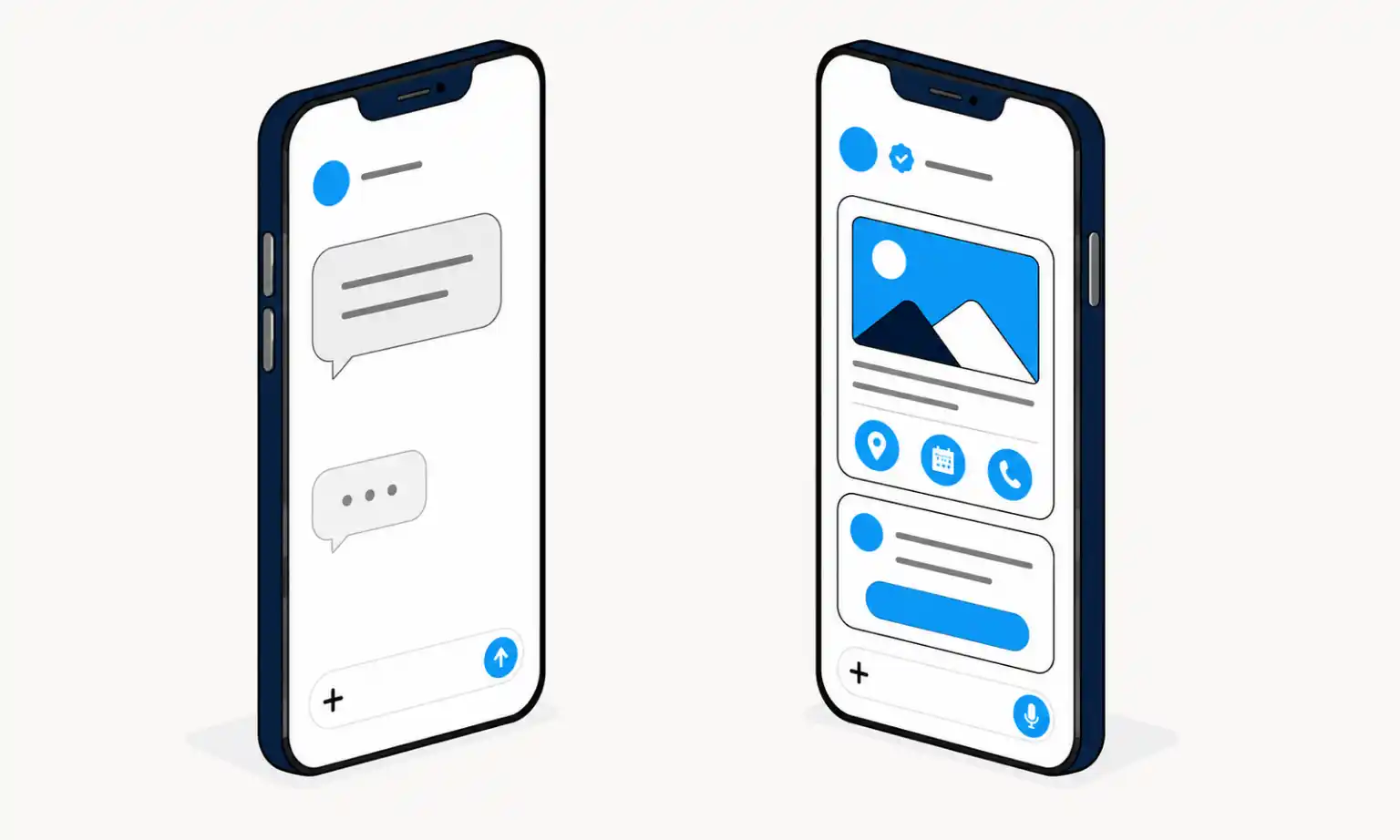
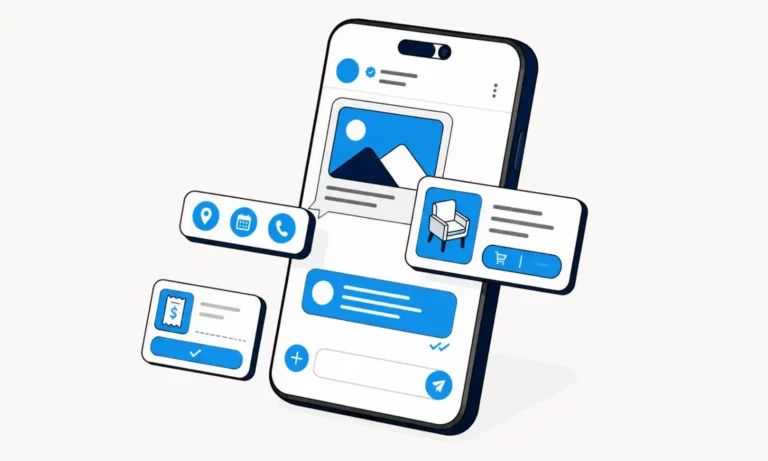
It supports high-resolution media, read receipts, typing indicators, interactive buttons, and verified business profiles over Wi-Fi or mobile data, while automatically falling back to SMS when RCS isn’t available.
What it is: The modern upgrade to traditional SMS messaging.
Core features: High-resolution media, read receipts, interactive buttons, and verified business profiles.
How it works: Transmits via Wi-Fi or mobile data and automatically falls back to SMS when needed.
Compatibility: Supported across Android and iPhone devices running iOS 18+, depending on carrier availability.
Business value: Boosts engagement for review requests, alerts, customer support, and other customer communications.
In This Article:
What Is RCS Messaging?
RCS (Rich Communication Services) is a messaging standard developed by the GSMA to modernize SMS. It enhances traditional text messaging by delivering a richer, more interactive experience through supported messaging apps using Wi-Fi or mobile data.
Think of RCS as the bridge between traditional texting and today’s messaging apps. Customers continue using their default messaging app while businesses can create more engaging conversations without requiring a separate app.
Key RCS features include:
- High-resolution photos and videos
- Read and delivery receipts
- Typing indicators
- Interactive buttons
- Suggested replies
- Verified business profiles
- Group conversations
How Does RCS Messaging Work?
RCS uses Wi-Fi or a mobile data connection to deliver messages.
When both the sender and recipient have compatible devices and carrier support, messages are sent using RCS. If RCS isn’t available, the conversation typically falls back to SMS, so communication isn’t interrupted.
The process is simple:
- A business sends an RCS message.
- The recipient’s device checks for RCS support.
- If RCS is available, the message is delivered with rich features.
- If not, the message automatically falls back to SMS.
For businesses, this means you can deliver richer customer experiences while maintaining the broad reach of traditional text messaging.
What Can RCS Messaging Do That SMS Can't?
RCS messaging builds on the foundation of SMS by adding the features customers already expect from modern messaging apps.
With RCS, businesses can:
- Share high-resolution photos and videos
- Send branded messages with company logos
- See delivery and read receipts
- View typing indicators
- Include interactive buttons and suggested replies
- Create richer group conversations
- Build more engaging customer experiences
These capabilities help businesses move beyond simple text messages and create conversations that encourage customers to take action.
Where Does MMS Fit In?
MMS bridges the gap between SMS and RCS. It introduced multimedia messaging, but it does not offer the same level of interactivity, branding, or customer engagement as RCS.
MMS was created to overcome SMS’s limitations by allowing photos, videos, and longer messages.
While MMS is still useful, RCS provides a much richer experience with read receipts, typing indicators, high-resolution media, branding, buttons, and interactive conversations. In many ways, RCS is the modern evolution of both SMS and MMS.
| Feature | SMS | MMS | RCS |
|---|---|---|---|
| Primary Media | Text only | Photos, audio, and video | Rich media, images, videos, GIFs, and documents |
| Internet Required | No | No | Yes, Wi-Fi or mobile data |
| Read Receipts | No | No | Yes |
| Typing Indicators | No | No | Yes |
| Interactive Features | No | Limited | Buttons, suggested replies, rich cards, and more |
| Business Branding | Limited | Limited | Verified business profiles, logos, and branded messaging |
| Best For | Basic text messages | Sharing photos and videos | Rich business messaging and customer engagement |
Does RCS Work on iPhone and Android?
Yes. Android has supported RCS for years, and Apple added RCS support with iOS 18 on compatible iPhones and supported carriers.
For businesses, this is a major step forward. Support on both Android and iPhone enables more customers to receive rich, interactive messages, while SMS remains a reliable fallback when RCS is not supported.
What Are the Benefits of RCS Messaging for Businesses?
RCS helps businesses create more engaging customer conversations than standard SMS by combining rich media, verified branding, and interactive messaging.
Key business benefits include:
- Better engagement: Customers can respond, click, confirm, or leave a review with fewer steps.
- Stronger trust: Verified business profiles help customers recognize legitimate messages.
- More effective review requests: Add branding, buttons, and clearer calls to action.
- Improved appointment reminders: Let customers confirm or reschedule with a tap.
- Faster customer support: Create richer two-way conversations.
- More engaging promotions: Combine images, buttons, and offers in a single message.
ReviewInc supports both SMS and RCS, giving businesses the flexibility to deliver the best messaging experience for every customer.
How Are Businesses Using RCS Today?
Businesses use RCS for customer messages that benefit from branding, rich media, and interactivity.
Common business use cases include:
- Review requests: Send branded invitations with direct review buttons.
- Appointment reminders: Let customers confirm or reschedule with one tap.
- Order updates: Share delivery notifications and tracking information.
- Customer support: Create richer two-way conversations.
- Promotions: Deliver personalized offers with images and calls to action.
- Event reminders: Encourage attendance through interactive messaging.
- Customer surveys: Collect feedback through engaging conversations.
If your business already uses SMS review requests, RCS provides another way to improve the customer experience.
Our RCS vs SMS guide explains when each messaging technology works best and why businesses benefit from using both.
How Should Businesses Get Started with RCS Messaging?
Businesses should view RCS as an enhancement to their existing messaging strategy, not a replacement for SMS. Start with customer communications where a richer, more interactive experience can improve engagement.
Good places to start include:
- Review requests: Make it easy for customers to leave feedback with branded buttons.
- Appointment reminders: Let customers confirm or reschedule in a single tap.
- Customer support: Create richer two-way conversations.
- Promotions: Add images, offers, and clear calls to action.
- Surveys: Make feedback faster and easier to complete.
Bring SMS and RCS Together in One Platform
RCS gives businesses a more engaging way to communicate while maintaining the reliability of SMS. As support continues to expand across Android and iPhone devices, it’s becoming an increasingly valuable channel for customer communication.
With ReviewInc, you can manage both SMS and RCS from a single platform, helping you create better customer experiences and generate more reviews.
Set up a strategy call to see it in action.
Questions About RCS Messaging
What is RCS messaging used for?
Is RCS Replacing SMS?
Instead of replacing SMS, RCS builds on it. SMS remains the most universally supported messaging technology and continues to play an important role in business communication.
Businesses can use RCS whenever it’s available while relying on SMS as a reliable fallback for customers whose devices or carriers don’t yet support RCS.
For many organizations, the best strategy is to use both technologies together.
Is RCS Secure?
RCS offers stronger security features than SMS, but the level of protection depends on the messaging apps and devices involved.
Features like verified business messaging help customers identify legitimate businesses and reduce the risk of phishing and impersonation. Some RCS conversations also support end-to-end encryption, but encryption isn’t available for every RCS message or every messaging app.
As with any business messaging channel, organizations should obtain customer consent and follow CTIA messaging guidelines when communicating with customers.
Does RCS require an internet connection?
Yes. RCS uses Wi-Fi or mobile data to send messages. If RCS isn’t available, messages can typically fall back to SMS, depending on the messaging platform and device.
Does RCS work on iPhone?
Yes. Apple added RCS support with iOS 18 on compatible iPhones and supported carriers. Availability depends on your carrier and software version.
Does RCS work on Android?
Yes. Android has supported RCS for years through Google Messages and other compatible messaging apps. Availability depends on your device, carrier, and messaging app.
How do I turn on RCS for iPhone or Android?
Is RCS replacing SMS?
Instead of replacing SMS, RCS builds on it. Businesses can use RCS whenever it’s available while relying on SMS as a reliable fallback for customers whose devices or carriers don’t yet support RCS.
For many organizations, the best strategy is using both technologies together.
What are the best practices for business text messaging?
Successful business text messaging starts with customer consent, clear and relevant messages, and respectful sending frequency. Whether you’re using SMS, RCS, or both, following proven best practices helps improve engagement, build customer trust, and increase response rates.
For a complete guide, explore our text marketing best practices.